 APIsFreeLLM
Stop AI Automation from Quietly Collapsing
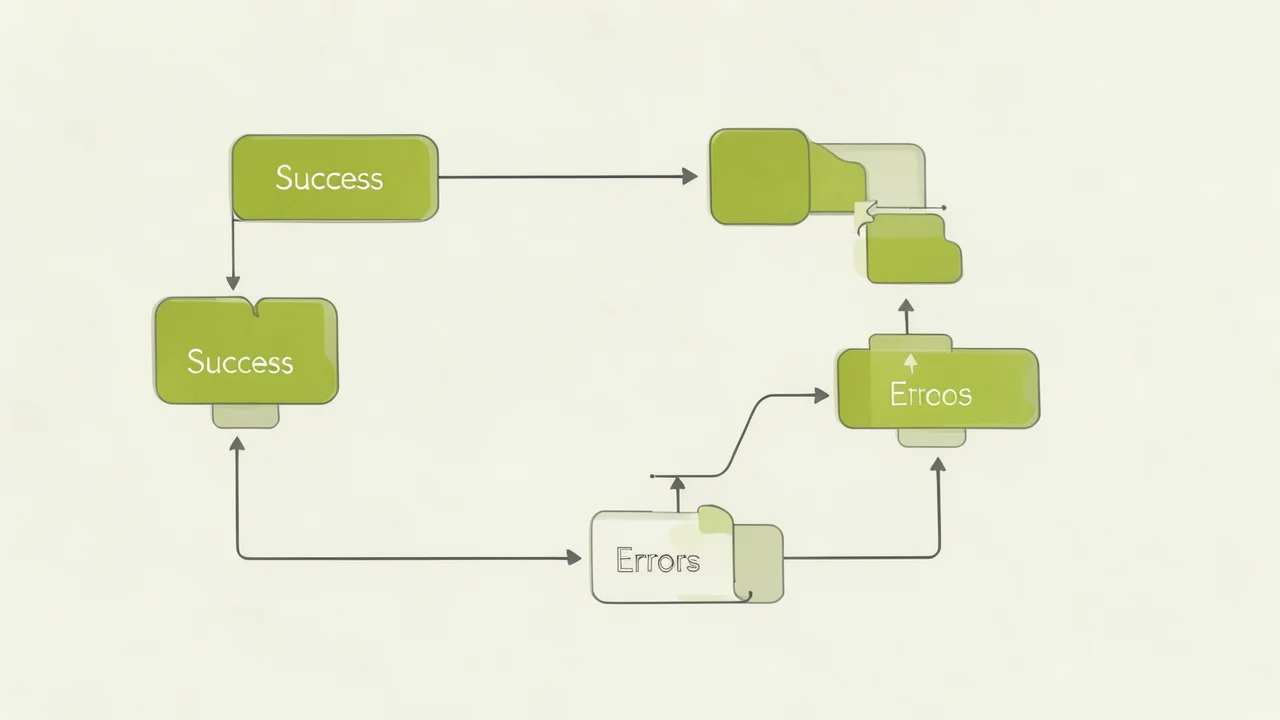
Building an AI agent in n8n is easy; building one that survives a production day is hard. The first time an API times out, an OAuth token expires, or an LLM returns unexpected structure, the whole chain can quietly collapse. This happens because most workflows are designed for the happy path, not for failure. When a node throws a partial error or returns empty JSON, downstream steps often fail silently, leaving your automation in a zombie state where nothing is published, but no one notices until it is too late.
The solution is not adding more logic branches everywhere, but designing for failure from the start. You need to treat your AI agents as probabilistic systems, not deterministic scripts. This means implementing lightweight validation right after every LLM call, using error outputs where available, and gating critical actions behind human approval. By shifting your mindset from "it worked in tests" to "it must survive edge cases," you create workflows that are resilient enough for real-world use.
This guide walks you through setting up reliable AI agents and approval bots in n8n. We will cover the architecture of a human-in-the-loop system, how to handle LLM instability, and how to structure your data so that errors are caught early. Whether you are building a content generation pipeline or an internal support bot, these patterns will help you avoid the common pitfalls that cause automation to fail overnight. You will learn how to make your agents robust, observable, and trustworthy.
Frequently asked questions
What is a human-in-the-loop AI agent?
A human-in-the-loop agent is a workflow where the AI generates output, but a human must approve it before it goes live. This prevents errors or inappropriate content from being published automatically. It adds a pause in the workflow, usually triggered by a notification, until a user confirms or rejects the AI's work.
How does n8n handle LLM errors in a chain?
n8n handles errors by allowing you to connect the error output of a node to another path. Instead of stopping the whole workflow, you can route failures to a logging step, a retry logic, or a human notification. This ensures that one bad LLM response does not crash the entire automation sequence.
What is the difference between a bot and an agent in n8n?
A bot typically follows a fixed script or decision tree. An agent in n8n uses an LLM to make dynamic decisions, such as choosing which tool to call or how to structure data. Agents are more flexible but require more robust error handling and validation because their output is less predictable.
Which is better for approval workflows: email or Telegram?
Telegram is generally faster for real-time approvals because it delivers instant notifications and allows quick button clicks. Email is better for asynchronous review where you might need to read longer content. For AI content generation, Telegram provides immediate feedback loops, reducing the wait time between generation and publishing.
What is the best way to validate LLM output in n8n?
The best way is to use a JSON schema validation node immediately after the LLM call. This checks if the output matches the expected structure before it is used in downstream steps. If the output is invalid, you can trigger a retry or send it to human review, preventing bad data from propagating through your workflow.
How do you handle token limits in long AI chains?
You can handle token limits by breaking long tasks into smaller chunks or using summary nodes. n8n allows you to manage context windows by passing only relevant data to each LLM call. You can also use summarization steps to reduce the token count before sending data to the next stage of the workflow.
What are the risks of using uncensored models in automation?
Uncensored models may produce more creative or direct content, but they can also generate inappropriate or unexpected output more frequently. This requires stronger validation and human review to ensure the content meets your standards. The trade-off is between creative freedom and the need for more robust filtering.
How do you monitor the health of an n8n AI workflow?
You can monitor health by logging key metrics like execution time, success rate, and token usage. Use n8n's built-in logging or integrate with external tools like Sentry. Setting up alerts for failures ensures you are notified immediately when a workflow breaks, allowing you to fix issues before they impact users or data.
Step by step
- Design Error Handling — Start by mapping out all potential failure points in your workflow. Identify where LLM calls, API integrations, or data transformations might fail. Plan your error routing strategy before building the workflow.
- Implement Validation — Add a JSON schema validation node immediately after every LLM call. This ensures that the output matches the expected structure before it is used in downstream steps. Configure retries for validation failures.
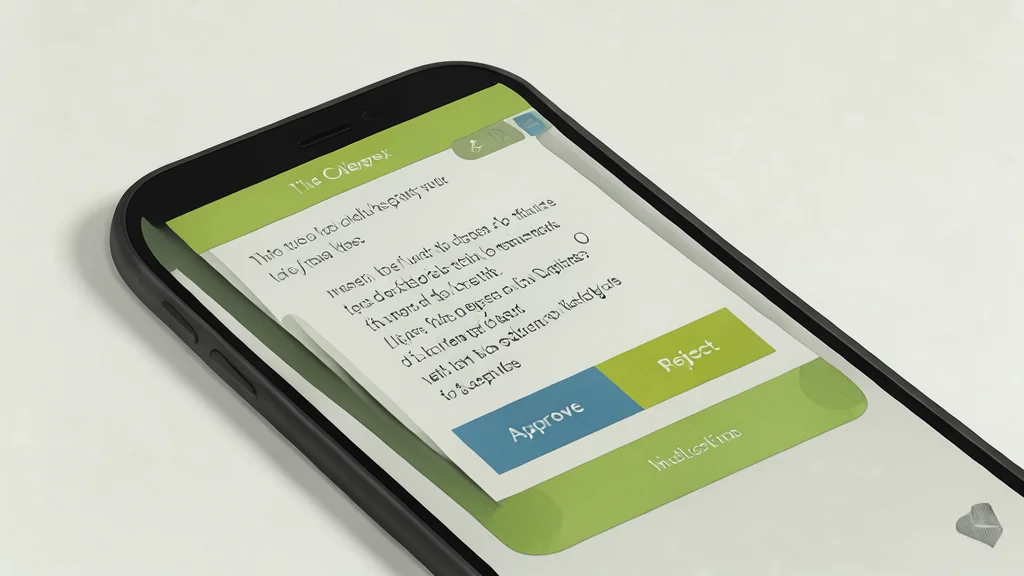
- Build Approval Bot — Create a Telegram approval bot that sends generated content for review. Use interactive buttons for approve/reject actions. Connect the response to your publishing workflow to gate content release.
- Add Monitoring — Integrate logging to track execution times, success rates, and token usage. Set up alerts for failures so you are notified immediately. Review these metrics regularly to optimize your workflow.
- Test with Edge Cases — Test your workflow with malformed inputs, API timeouts, and unexpected LLM outputs. Ensure that your error handling and retry logic work as expected. Iterate on your design based on these test results.
- Deploy and Iterate — Deploy your workflow to production and monitor its performance. Use the collected data to identify bottlenecks and optimize your agent. Continuously refine your error handling and validation logic based on real-world usage.
Designing for Failure: The Core Principle
Most AI workflows in n8n fail because they assume the LLM will always return perfect JSON. In reality, models can hallucinate, truncate responses, or return malformed data. The first step to reliability is accepting that every LLM call is a probabilistic event. You must design your workflow to handle the 1% chance of failure, not just the 99% chance of success. This means avoiding linear chains where one node's failure stops everything.
Instead, use branching logic to handle errors explicitly. Connect the error output of your LLM node to a validation step or a retry mechanism. This approach ensures that if the AI returns unexpected structure, your workflow does not silently crash. Instead, it logs the error, notifies you, or triggers a fallback process. This resilience is what separates a prototype from a production-ready agent.
The Illusion of Determinism
When you test an AI agent, you often use a few carefully chosen prompts that yield perfect results. This creates an illusion of determinism. In production, the variety of inputs and the randomness of the model mean that edge cases will appear. By designing for failure, you account for these variations, ensuring your workflow remains stable under diverse conditions.
Error Outputs as First-Class Citizens
n8n provides error outputs for most nodes, which are often underutilized. Instead of letting errors stop the workflow, route them to a dedicated error handling path. This path can log the issue, send a notification, or trigger a retry. Treating errors as a normal part of the workflow flow prevents catastrophic failures and makes debugging easier.
Setting Up the Human-in-the-Loop Approval Bot
A human-in-the-loop system adds a critical pause in your workflow, allowing a person to review AI-generated content before it goes live. This is especially important for public-facing content, where errors or inappropriate output can damage your reputation. The approval bot acts as a gatekeeper, ensuring that only validated content is published. This step adds reliability by introducing a human sanity check before the final action.
To implement this, you need a pair of workflows: one for generation and one for approval. The generation workflow produces the content, formats it, and sends a notification to a messaging platform like Telegram. The approval workflow waits for a user response, such as a button click, and then proceeds to publish the content if approved. This separation of concerns makes the system modular and easier to debug.
The Telegram Approval Pattern
Telegram is an excellent platform for approval bots because it supports instant notifications and interactive buttons. You can send a message with the AI-generated content and include buttons for "Approve" and "Reject." When the user clicks a button, the workflow receives the response and proceeds accordingly. This pattern is fast, reliable, and user-friendly, making it ideal for real-time content moderation.
Structuring the Workflow JSON
The workflow JSON should include nodes for generating content, formatting the message, sending the notification, and listening for the response. Each node should have clear error handling and validation steps. By structuring the JSON this way, you create a reusable template that can be adapted for different types of content, such as tweets, LinkedIn posts, or blog drafts.
- Send a notification with the generated content.
- Wait for a button click from the user.
- Route to publish or discard based on the response.
Handling LLM Instability and Validation
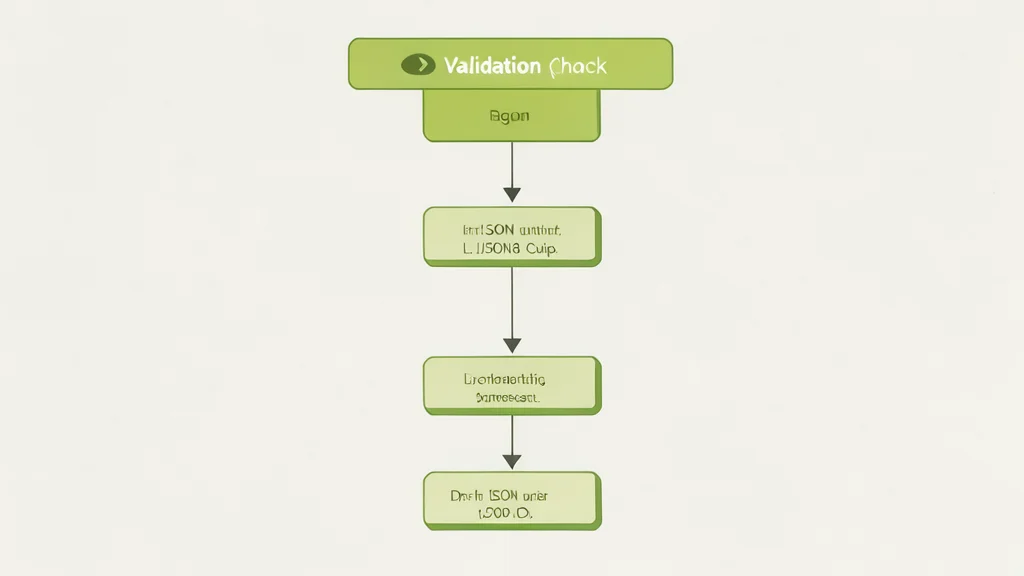
LLMs are inherently unstable; they can return partial JSON, hallucinate facts, or ignore instructions. To handle this, you need a validation step immediately after the LLM call. This step checks if the output matches the expected structure, such as a specific JSON schema. If the output is invalid, the workflow can trigger a retry or send the data to human review. This prevents bad data from propagating through your automation chain.
Validation can be done using n8n's built-in JSON schema validation or custom code nodes. By defining a strict schema, you ensure that the AI's output is usable by downstream nodes. If the validation fails, you can log the error and trigger a fallback process, such as asking the AI to regenerate the response. This iterative approach significantly improves the reliability of your AI agents.
JSON Schema Validation
JSON schema validation is a powerful tool for ensuring data integrity. By defining a schema that specifies the required fields and data types, you can automatically reject malformed responses. This reduces the need for complex error handling logic and makes your workflow more robust. It is a best practice to validate LLM output before using it in any critical step.
Retry Logic for Transient Errors
Transient errors, such as API timeouts or rate limits, are common in AI workflows. Implementing retry logic allows your workflow to automatically attempt the LLM call again if it fails. You can configure the number of retries and the delay between attempts. This ensures that temporary issues do not cause your workflow to fail, improving overall reliability.
Building Resilient Agents with n8n
Resilient agents in n8n are designed to handle uncertainty and failure gracefully. This involves using error outputs, validation steps, and retry logic to ensure that the workflow continues even when things go wrong. By treating each LLM call as a potential failure point, you can build agents that are robust enough for production use. This approach requires more initial setup but pays off in long-term reliability.
One key aspect of resilience is monitoring. You need to know when your agent fails, why it failed, and how often it happens. n8n provides built-in logging, but you can also integrate with external tools like Sentry or Datadog for more detailed insights. By tracking key metrics, you can identify patterns in failures and optimize your workflow accordingly.
Monitoring and Observability
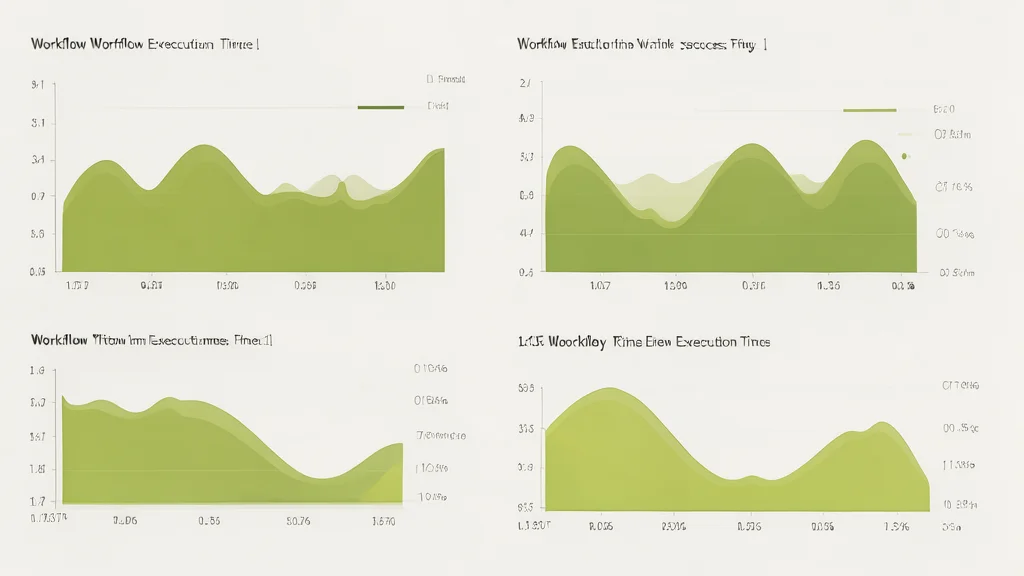
Monitoring is essential for maintaining reliable AI agents. By logging execution times, success rates, and token usage, you can gain insights into your workflow's performance. This data helps you identify bottlenecks and optimize your automation. Regularly reviewing these metrics ensures that your agent remains reliable as your usage scales.
Modular Design for Easier Debugging
A modular design makes it easier to debug and update your workflow. By breaking down the workflow into smaller, reusable components, you can isolate issues and test each part independently. This approach also makes it easier to swap out components, such as replacing an LLM provider or adding a new validation step, without disrupting the entire workflow.
Integrating with External Tools and APIs
AI agents often need to interact with external tools and APIs, such as social media platforms, databases, or CRM systems. These integrations add complexity to your workflow, as each external API has its own error handling and rate limiting rules. To ensure reliability, you need to handle these external failures gracefully, using retries and fallbacks to prevent your workflow from crashing.
When integrating with external tools, it is important to handle authentication and token expiration. OAuth tokens can expire, causing your workflow to fail. By implementing token refresh logic or using long-lived tokens, you can ensure that your integrations remain stable over time. This attention to detail is what separates a fragile automation from a reliable agent.
Handling OAuth Token Expiration
OAuth tokens are a common point of failure in integrations. They expire after a certain period, causing your workflow to fail if not refreshed. By implementing a token refresh mechanism, you can ensure that your integrations remain stable. This can be done using n8n's built-in OAuth nodes or custom code to handle token renewal automatically.
Rate Limiting and Backoff Strategies
External APIs often have rate limits, which can cause your workflow to fail if you send too many requests too quickly. Implementing a backoff strategy, where you wait and retry after a delay, can help you stay within these limits. This ensures that your workflow does not overwhelm the API and reduces the likelihood of rate limit errors.
Local vs. Hosted: Choosing the Right Model
When building AI agents, you need to decide between using a local model or a hosted API. Local models give you full control over privacy and cost, but they require more hardware resources. Hosted APIs are easier to set up and often offer better performance, but they depend on third-party providers. The choice depends on your specific needs, such as latency, cost, and data privacy.
For many use cases, a hosted API like the free, keyless OpenAI-compatible endpoint at apisfreellm.com is a great starting point. It offers a simple, low-friction way to test your workflows without managing infrastructure. You can use the uncensored models to get fewer refusals and more creative output, which is useful for content generation. This approach allows you to focus on workflow design rather than model management.
Advantages of Hosted APIs
Hosted APIs are easy to integrate and scale. They require no hardware setup, making them ideal for quick prototyping and small-scale deployments. You can access powerful models without worrying about GPU memory or quantization. This simplicity allows you to iterate quickly on your workflow design, testing different logic paths without the overhead of managing local infrastructure.
Benefits of Local Models
Local models offer privacy and control, as your data never leaves your machine. They are also cost-effective for high-volume usage, as you only pay for electricity and hardware. If you need to run your agent on a CPU-only Qwen setup, you can achieve good performance with the right quantization. Local models are ideal for sensitive data or when you need low latency without network dependency.
Optimizing Performance and Cost
Optimizing performance and cost is crucial for scalable AI agents. This involves choosing the right model size, managing token usage, and reducing latency. Smaller models are faster and cheaper but may lack the reasoning capabilities of larger models. By understanding the trade-offs, you can select a model that fits your budget and performance requirements.
Token management is another key aspect of optimization. Long contexts can lead to high costs and slower responses. By summarizing data or using chunking strategies, you can reduce the token count and improve efficiency. n8n provides tools to manage context windows, allowing you to pass only relevant data to each LLM call. This ensures that your workflow remains cost-effective and fast.
Model Size vs. Performance
Larger models generally offer better quality and reasoning, but they are slower and more expensive. Smaller models are faster and cheaper but may struggle with complex tasks. Choose a model size that balances quality and cost for your specific use case. For example, a minimal footprint model might be sufficient for simple content generation, while a larger model is needed for complex reasoning.
Token Usage Optimization
Token usage directly impacts cost and latency. By optimizing your prompts and context windows, you can reduce the number of tokens used. This can be done by summarizing long texts, using efficient prompt structures, and avoiding redundant information. Regularly monitoring your token usage helps you identify opportunities for optimization and keep costs under control.
Advanced Patterns and Best Practices
Advanced patterns in n8n include using sub-workflows, parallel execution, and dynamic routing. Sub-workflows allow you to break down complex logic into smaller, reusable components. Parallel execution can speed up your workflow by running independent tasks simultaneously. Dynamic routing enables your agent to choose the best path based on the input data, making your automation more intelligent and flexible.
Best practices also include documenting your workflow, version controlling your JSON files, and using consistent naming conventions. These practices make it easier to collaborate with others, debug issues, and scale your automation. By following these patterns, you create a robust, maintainable, and scalable AI agent that can handle the demands of production use.
Sub-Workflows for Modularity
Sub-workflows allow you to encapsulate complex logic into reusable components. This makes your main workflow cleaner and easier to understand. You can call sub-workflows from multiple places, reducing duplication and making updates easier. This modular approach is essential for building large, complex automation systems that are easy to maintain.
Parallel Execution for Speed
Parallel execution can significantly reduce the time it takes to complete a workflow. By running independent tasks simultaneously, you can speed up processes like generating multiple content pieces or fetching data from multiple sources. This is especially useful for time-sensitive applications where latency is critical.
Test a hosted free uncensored LLM before you download anything and see how it handles your most demanding prompts.
Home →