 APIsFreeLLM
Lightweight AI: Offline Models That Fit Anywhere

The landscape of local large language models has shifted from requiring dedicated server-grade GPUs to running smoothly on consumer laptops and even mid-range desktops. This democratization means you can now take a capable AI assistant into airplane mode, off-grid cabins, or secure facilities without worrying about bandwidth or cloud vendor lock-in. The primary constraint is no longer just accuracy, but the physical footprint of the model files and the thermal output of your hardware. Users often find that high-parameter models cause laptops to heat up significantly, sometimes reaching 70–80 degrees Celsius under load, which degrades performance and battery life.
Many users report that running high-parameter models like Qwen-27B in full precision can cause laptops to heat up significantly. This thermal throttling can degrade performance and shorten battery life, making the "best" model less about raw intelligence and more about the balance between parameter count, quantization, and hardware efficiency. Understanding this trade-off is critical for anyone building a portable or offline AI workflow. The goal is to find a model that fits your physical constraints without sacrificing too much capability, ensuring that your device remains usable while processing complex tasks.
This guide explores the current state of minimal-footprint models, focusing on architectures and quantization techniques that minimize resource usage while maintaining usable quality. We will examine specific model families that excel in constrained environments, discuss the hardware implications of different quantization levels, and provide practical strategies for optimizing local inference. Whether you are a developer, a researcher, or an enthusiast, the aim is to help you select a model that fits your physical constraints without sacrificing too much capability, ensuring that your device remains usable while processing complex tasks.
Frequently asked questions
What is a minimal footprint model?
A minimal footprint model is a large language model optimized for low memory usage and reduced computational load. These models typically have fewer parameters or are heavily quantized, allowing them to run on devices with limited RAM and storage. They are ideal for offline use, airplane mode, or hardware-constrained environments where traditional high-parameter models would struggle to load or would cause significant thermal issues.
How does quantization affect model footprint?
Quantization reduces the precision of the model's weights, typically from 16-bit floating-point to 8-bit, 4-bit, or even lower. This significantly reduces the model's file size and memory requirements. For example, a 7B model in Q4_K_M quantization might take up only a few gigabytes of RAM, whereas the same model in FP16 could require over 14GB. Lower quantization levels save space but may slightly reduce the model's accuracy and reasoning capabilities.
Which is better: small or large models for offline use?
Small models (under 7B parameters) are better for offline use on constrained hardware like laptops or single-board computers due to their low memory and CPU requirements. Large models (over 13B parameters) offer better reasoning and language understanding but require more powerful hardware, such as dedicated GPUs or high-end desktops with ample RAM. The choice depends on your specific hardware capabilities and the complexity of the tasks you need to perform offline.
How do I reduce heat when running local models?
To reduce heat, use lower quantization levels (e.g., Q4_K_M or Q3_K_S) to decrease computational load. You can also limit the context window size and reduce the number of parallel threads used by your inference engine. Additionally, ensure your device has adequate cooling, such as a laptop stand with ventilation or an external cooling pad. Monitoring temperatures and adjusting workload intensity can help prevent thermal throttling.
What is the smallest viable model for coding?
Models like CodeLlama-7B or Phi-3-mini are among the smallest viable options for coding tasks. These models are specifically fine-tuned for programming languages and can generate, debug, and explain code effectively. While larger models like CodeLlama-34B or Llama-3-70B offer superior coding capabilities, they require significantly more resources. For constrained environments, 7B to 8B parameter models provide a good balance between capability and footprint.
Can I run local models on Apple Silicon?
Yes, Apple Silicon (M1, M2, M3 chips) is excellent for running local models due to its unified memory architecture. Models can leverage the entire system RAM, allowing for larger model sizes than typical Windows or Linux laptops with separate GPU VRAM. Tools like Ollama, llama.cpp, and MLX are optimized for Apple Silicon, making it a popular choice for offline AI workloads with minimal heat generation compared to discrete GPUs.
What is the difference between GGUF and other formats?
GGUF is a format specifically designed for llama.cpp and other inference engines that support quantized models. It allows for efficient loading and inference on various hardware, including CPUs and GPUs. Other formats like Safetensors or PyTorch checkpoints are often larger and less optimized for low-resource environments. GGUF files are typically smaller and faster to load, making them ideal for minimal footprint use cases.
How do I test a model before downloading it?
You can test a model's performance by checking its benchmark scores on platforms like Hugging Face or LMSYS Chatbot Arena. Additionally, you can run a small sample of your intended workload using a quantized version of the model to assess its speed and quality. Many inference engines allow you to adjust quantization levels and context windows to see how they affect performance and resource usage before committing to a full download.
Understanding Model Footprint and Hardware Constraints
The term "footprint" in the context of local LLMs refers to the amount of RAM, VRAM, and storage space the model requires to load and run. This is directly influenced by the model's parameter count and the precision of its weights. A model with 7 billion parameters in 16-bit precision requires approximately 14GB of RAM, while the same model in 4-bit quantization might only need 4-5GB. Understanding this relationship is crucial for selecting a model that fits your hardware.
Thermal output is another critical factor, especially for laptops and portable devices. Higher parameter counts and higher precision levels generate more heat, which can lead to thermal throttling and reduced performance. Users have reported that running models like Qwen-27B in full precision can cause laptops to reach temperatures of 70-80 degrees Celsius. This heat not only affects performance but also battery life and the overall user experience, making quantization a key strategy for managing thermal output.
Parameter Count vs. Performance
Smaller models (under 7B parameters) are generally faster and require less memory, but they may lack the depth and reasoning capabilities of larger models. However, for many common tasks like summarization, translation, and simple code generation, smaller models can perform surprisingly well, especially when fine-tuned for specific domains.
The Role of Quantization
Quantization is the process of reducing the precision of the model's weights. This significantly reduces the model's size and memory requirements. Common quantization levels include Q4_K_M (4-bit) and Q8_0 (8-bit). Q4_K_M offers a good balance between size and quality, while Q8_0 provides higher accuracy at the cost of increased resource usage. Choosing the right quantization level is essential for optimizing both performance and footprint.
# Example: Loading a quantized model with llama.cpp
import llama_cpp

# Load a Q4_K_M quantized model
llm = llama_cpp.Llama(
    model_path="path/to/model.gguf",
    n_ctx=4096,
    n_threads=4
)

# Generate a response
response = llm("What is the capital of France?")
print(response)
Top Minimal Footprint Models for Offline Use
Several model families have emerged as leaders in the minimal footprint category. Models like Phi-3-mini, Llama-3-8B, and Mistral-7B are popular choices due to their balance of size and performance. These models are well-suited for offline use on laptops and even some mobile devices, offering sufficient capability for a wide range of tasks without overwhelming system resources.
For coding tasks, models like CodeLlama-7B and StarCoder2-15B are excellent options. While 15B is larger than the 7B variants, it still fits comfortably within the RAM constraints of most modern laptops, especially when quantized. These models are specifically fine-tuned for programming languages, making them highly effective for code generation, debugging, and explanation tasks in offline environments.
Phi-3-mini: The Efficiency Champion
Phi-3-mini is a 3.8B parameter model that delivers impressive performance for its size. It is designed to be highly efficient, requiring minimal RAM and CPU resources. This makes it an ideal choice for devices with limited hardware, such as older laptops or single-board computers. Despite its small size, it maintains strong reasoning and language understanding capabilities.
Llama-3-8B: The Balanced All-Rounder
Llama-3-8B is a slightly larger model that offers a significant step up in quality compared to 7B models. It provides better reasoning and language understanding, making it suitable for more complex tasks. When quantized to Q4_K_M, it requires around 5GB of RAM, which is manageable for most modern laptops. It is a versatile model that performs well across a wide range of applications.
Quantization Techniques for Reduced Footprint
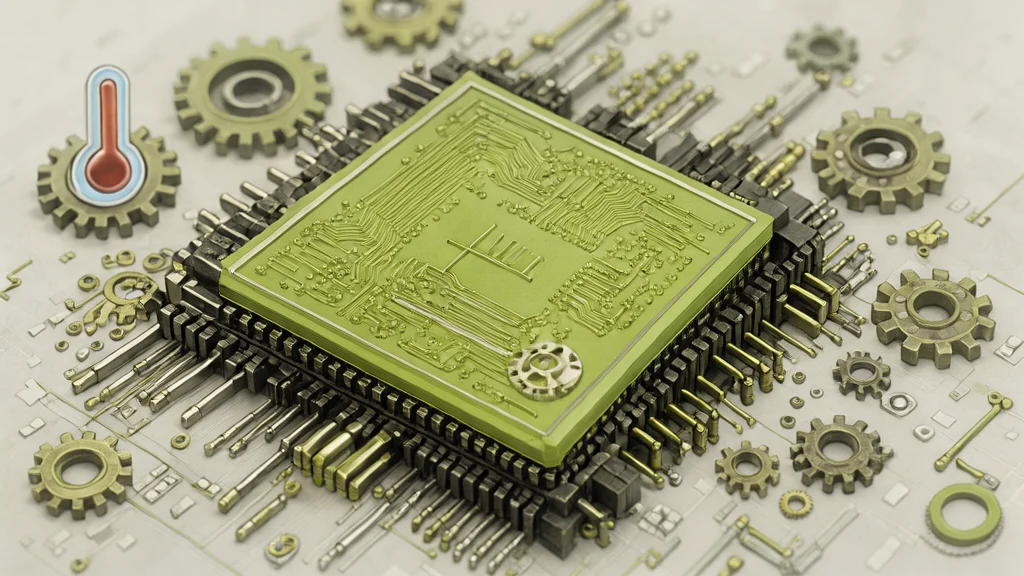
Quantization is the most effective way to reduce the footprint of an LLM without completely changing the model architecture. By reducing the precision of the weights, you can significantly decrease the model's size and memory usage. Common quantization methods include Q4_K_M, Q5_K_M, and Q8_0. Each level offers a different trade-off between model size, memory usage, and output quality.
Q4_K_M is often considered the sweet spot for many users, offering a good balance between size and quality. It reduces the model's size to about 2-3GB for a 7B model, making it easy to load and run on most devices. Q8_0, on the other hand, provides higher accuracy but requires more memory, typically around 5-6GB for a 7B model. Choosing the right quantization level depends on your specific hardware constraints and the quality requirements of your tasks.
Q4_K_M: The Sweet Spot
Q4_K_M quantization reduces the model's weights to 4-bit precision, significantly lowering memory usage and file size. For a 7B model, this results in a file size of approximately 3-4GB. This level of quantization is widely recommended for most users, as it maintains high quality while being resource-efficient.
Q8_0: High Precision, Higher Cost
Q8_0 quantization uses 8-bit precision, which is closer to the original 16-bit precision. This results in higher accuracy and better performance, but at the cost of increased memory usage. For a 7B model, Q8_0 requires around 5-6GB of RAM. This level is suitable for users with more powerful hardware who prioritize quality over resource efficiency.
Hardware Considerations for Local Inference
The choice of hardware plays a significant role in the performance of local LLMs. Apple Silicon chips, for example, are highly efficient for running local models due to their unified memory architecture. This allows the CPU and GPU to share the same memory pool, enabling the loading of larger models than would be possible with separate VRAM. Additionally, Apple Silicon chips generate less heat compared to discrete GPUs, making them ideal for portable use.
For Windows and Linux users, the availability of discrete GPUs with sufficient VRAM is crucial. Models larger than 7B parameters often require dedicated GPUs with at least 8GB of VRAM to run smoothly. If you are using a laptop with integrated graphics, you may need to rely on CPU inference, which can be slower but still viable for smaller models. Monitoring your hardware's thermal output and adjusting your workload accordingly can help maintain optimal performance.
Apple Silicon: Unified Memory Advantage
Apple Silicon's unified memory architecture allows the CPU and GPU to share the same memory pool. This means that models can leverage the entire system RAM, enabling the loading of larger models than typical Windows or Linux laptops with separate GPU VRAM. This architecture also reduces heat generation, making Apple Silicon a popular choice for offline AI workloads.
CPU vs. GPU Inference
CPU inference is generally slower than GPU inference but is more accessible, as most laptops have capable CPUs. GPU inference, especially with dedicated NVIDIA or AMD GPUs, offers significantly faster processing speeds. However, it requires more power and generates more heat. For minimal footprint use, CPU inference with quantized models is often a viable and efficient option.
Optimizing Local LLMs for Airplane Mode
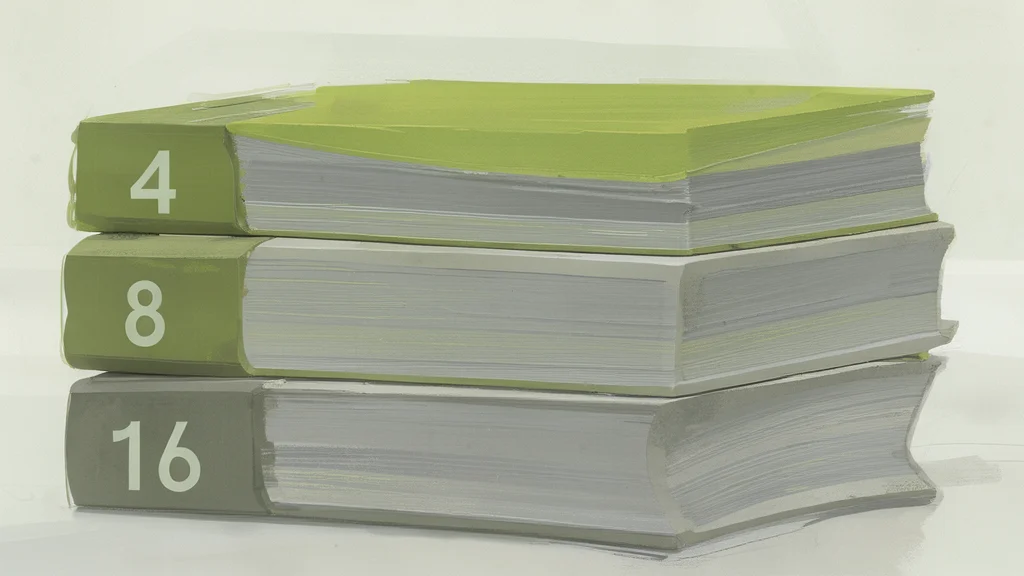
Running local LLMs in airplane mode requires careful planning to ensure that all necessary components are available offline. This includes downloading the model files, inference engine, and any required dependencies beforehand. It is also important to consider the context window size, as larger context windows require more memory and can slow down inference. For offline use, a context window of 2048-4096 tokens is often sufficient for most tasks.
Battery life is another critical consideration for offline use. Running a local LLM can significantly drain your laptop's battery, especially if you are using CPU inference. To extend battery life, you can reduce the number of threads used by the inference engine, lower the quantization level, and limit the context window size. Additionally, using a laptop with a large battery capacity or a power bank can help mitigate this issue.
Pre-downloading Models and Dependencies
Before entering airplane mode, ensure that you have downloaded all necessary model files and dependencies. This includes the GGUF model file, the inference engine (e.g., llama.cpp, Ollama), and any required libraries. Having everything pre-downloaded ensures that you can start using the model immediately without needing an internet connection.
Managing Context Window Size
The context window size determines how much text the model can process at once. Larger context windows require more memory and can slow down inference. For offline use, a context window of 2048-4096 tokens is often sufficient for most tasks, such as summarization, translation, and simple code generation. Adjusting this setting can help optimize performance and resource usage.
Comparing Local vs. Hosted Models
Local models offer the advantage of privacy, offline availability, and no ongoing costs. However, they require upfront investment in hardware and storage. Hosted models, on the other hand, offer access to larger, more powerful models without the need for expensive hardware, but they require an internet connection and often come with usage limits or subscription fees. The choice between local and hosted models depends on your specific needs, such as privacy requirements, connectivity, and budget.
For minimal footprint use, local models are generally the better choice. They allow you to run AI tasks offline, without worrying about bandwidth or cloud vendor lock-in. Additionally, local models can be customized and fine-tuned to suit your specific needs, providing a more personalized experience. However, if you need access to the largest and most advanced models, hosted solutions may be more practical, despite the ongoing costs and connectivity requirements.
Privacy and Data Security
Local models offer superior privacy, as your data never leaves your device. This is particularly important for sensitive tasks, such as processing personal documents or medical records. Hosted models, on the other hand, require sending your data to a cloud server, which may be stored or used for training purposes. For users who prioritize privacy, local models are the clear choice.
Cost and Accessibility
Local models require an upfront investment in hardware, but they offer unlimited usage without ongoing costs. Hosted models often come with subscription fees or pay-per-use pricing, which can add up over time. However, hosted models provide access to larger, more powerful models that may be too expensive to run locally. The choice depends on your budget and the frequency of your AI usage.
Tools and Interfaces for Local LLMs
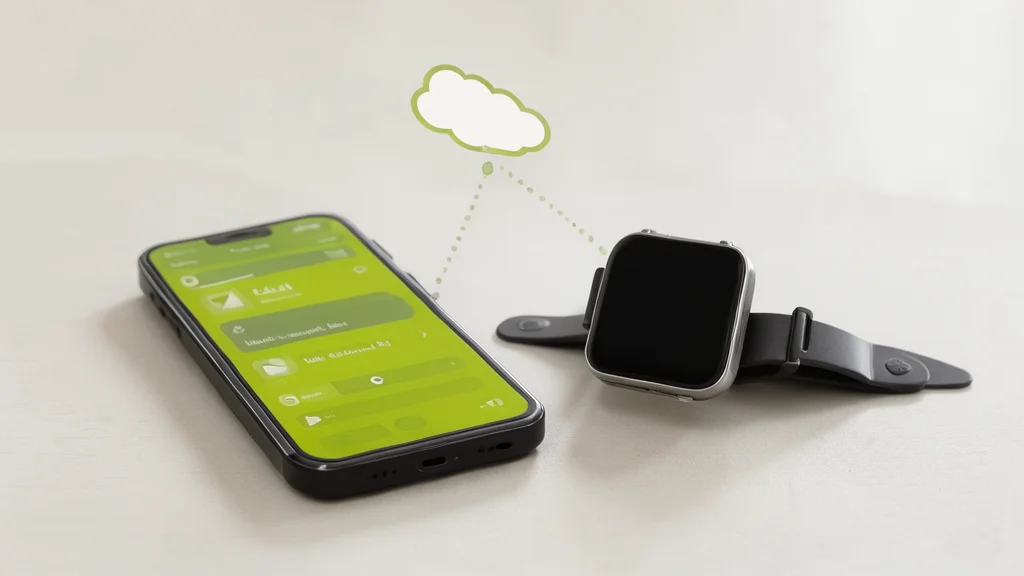
Several tools and interfaces make it easier to run local LLMs. Ollama is a popular choice for its simplicity and ease of use, allowing you to run multiple models with a single command. LM Studio provides a user-friendly graphical interface, making it accessible to non-technical users. Both tools support a wide range of models and quantization levels, making them versatile options for local inference.
For more advanced users, llama.cpp offers a highly optimized C++ library that can be integrated into custom applications. It supports a wide range of quantization levels and hardware configurations, making it a powerful tool for developers. Additionally, tools like SillyTavern provide a rich interface for role-playing and creative writing, allowing users to customize their experience with various extensions and themes.
Ollama: Simplicity and Versatility
Ollama is a user-friendly tool that allows you to run multiple local models with a single command. It supports a wide range of models and quantization levels, making it a versatile option for both beginners and advanced users. Ollama's simplicity makes it an excellent choice for users who want to get started with local LLMs quickly and easily.
LM Studio: User-Friendly Interface
LM Studio provides a graphical interface that makes it easy to browse, download, and run local models. It supports a wide range of models and quantization levels, and its user-friendly design makes it accessible to non-technical users. LM Studio is an excellent choice for users who prefer a visual interface over command-line tools.
Future Trends in Minimal Footprint AI
The field of minimal footprint AI is rapidly evolving, with new models and techniques being developed to further reduce resource usage. Advances in quantization, such as mixed-precision quantization and sparsity, are enabling even smaller models to achieve higher performance. Additionally, the development of more efficient inference engines and hardware accelerators is making it possible to run larger models on increasingly constrained devices.
The integration of AI into edge devices, such as smartphones and IoT devices, is another growing trend. As hardware continues to improve, we can expect to see more powerful local models running on a wider range of devices. This will enable more widespread offline AI usage, from real-time translation in airplane mode to on-device voice assistants and smart home automation.
Advances in Quantization
New quantization techniques, such as mixed-precision quantization, are allowing models to achieve higher performance with lower resource usage. By using different precision levels for different parts of the model, these techniques can optimize both speed and accuracy. This is particularly important for minimal footprint use, where every bit of resource counts.
Edge AI and IoT Integration
The integration of AI into edge devices, such as smartphones and IoT devices, is becoming increasingly common. As hardware improves, we can expect to see more powerful local models running on these devices, enabling real-time AI processing without the need for cloud connectivity. This trend is driving the development of new models and techniques specifically designed for constrained environments.

Test a hosted free uncensored LLM before you download anything and see how it handles your most demanding prompts.
Home →